
Got Rosters?
Submit here

You’ve seen strength and conditioning apps, but you can't customize the content. You’ve used spreadsheets for years, but you must print them for your athletes and then they must carry them to their workouts. And, you rarely get their actual workout data.
Now you can have it all! It's as simple as following the steps below...
Step 1
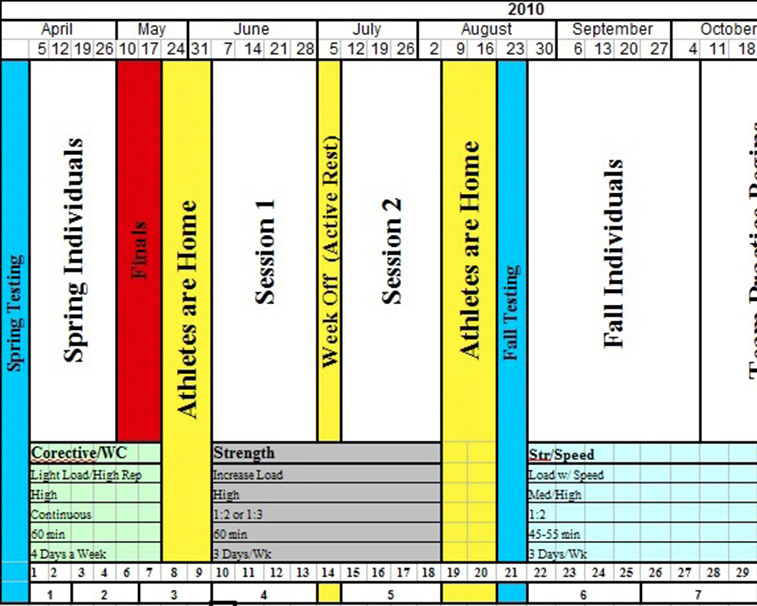
Define your calendar by sport into segments based on season, off-season and other times of the year.
Step 2
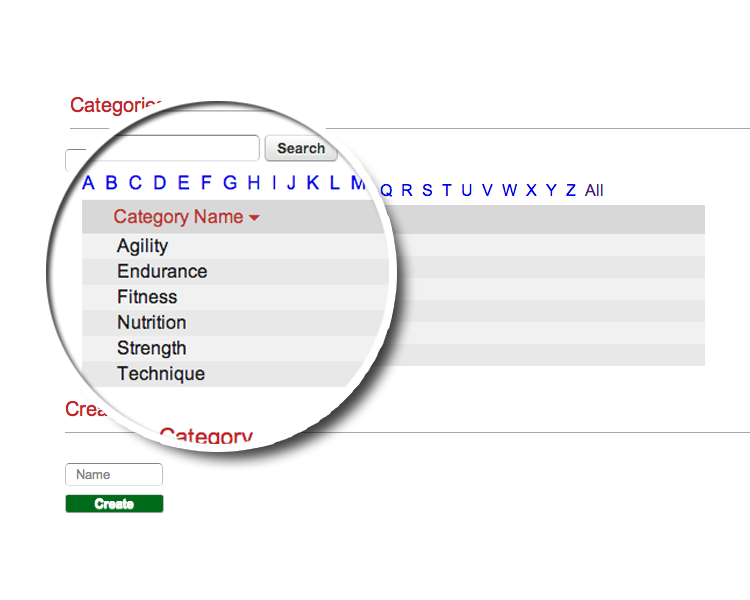
Start with entering your exercise categories...
Step 3
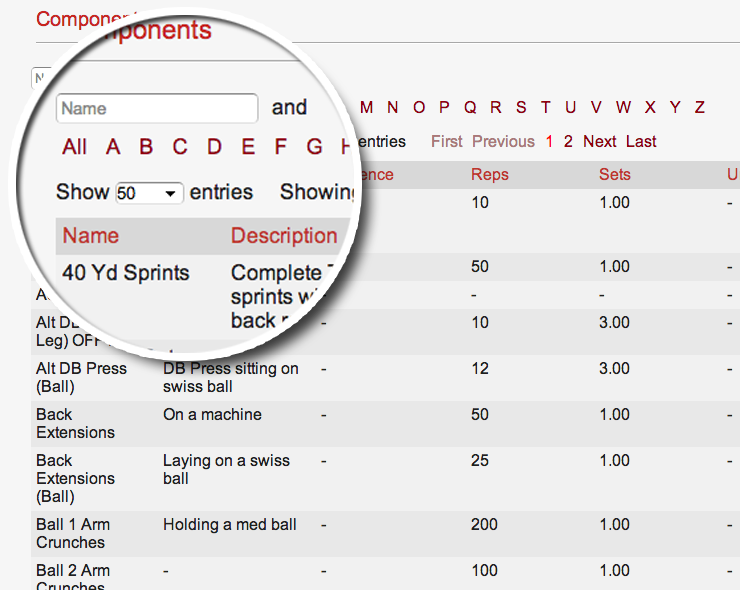
Enter the exercises in your workout programs...
Step 4
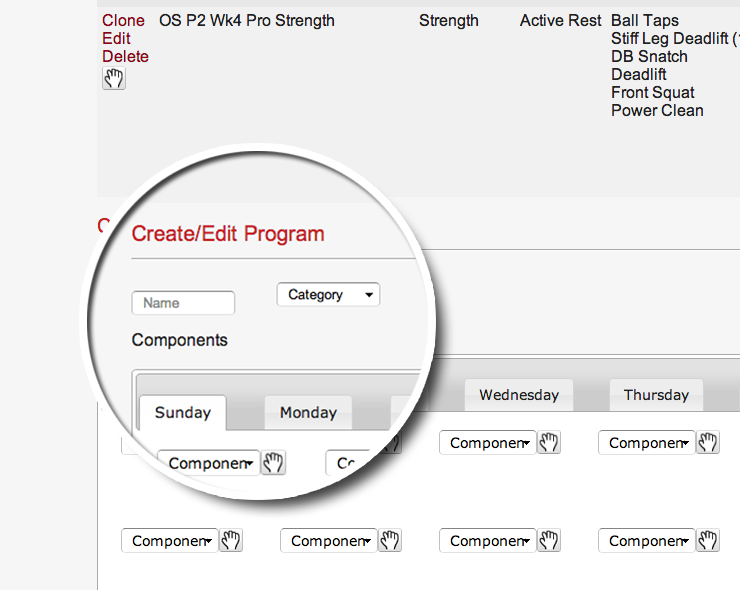
Setup the workout programs for each athlete, groups of athletes, or your entire team.
Assign each exercise to each program and when each exercise should be done, Sunday through Saturday.
Step 5
Install SportsBoard Lite (iPhone) or SportsBoard (iPad) on each of your athlete's devices so they can:
1. Login to your SportBoard cloud account to sync down their workout program for the week.
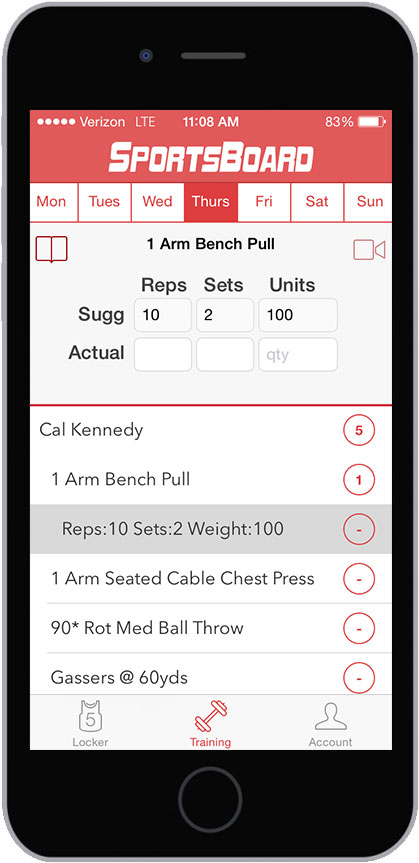
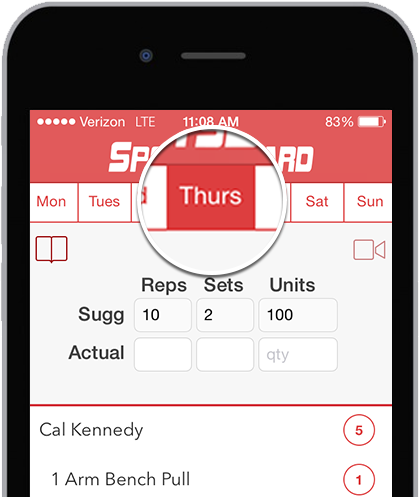
2. Click on each day to view daily workout.
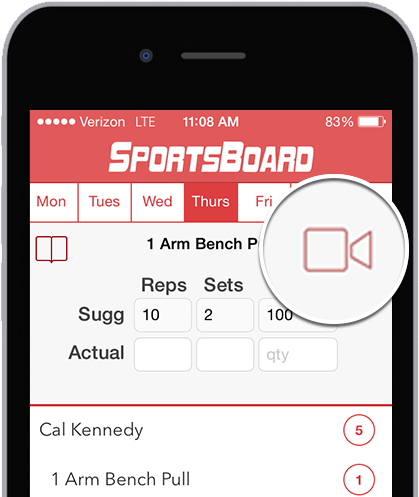
3. View each exercise, including a video link to watch it.
4. Enter how many sets/reps of each exercise they do and their max weight or best time.
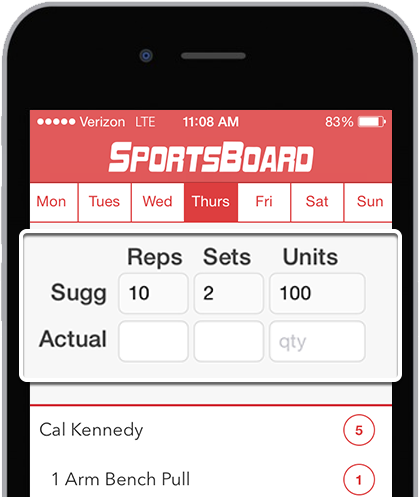
5. Sync with cloud account after each workout to send the work data to the cloud for you to analyze.
Step 6
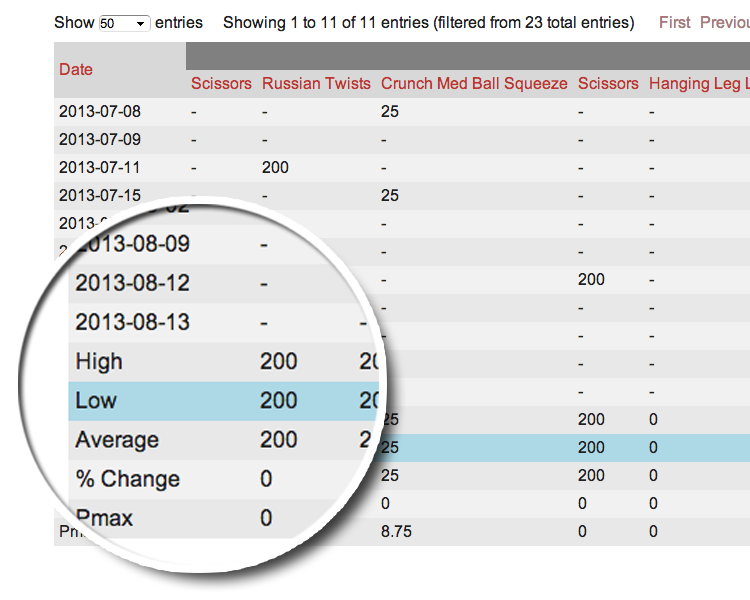
View and analyze the data online or export it to Excel for further manipulation.